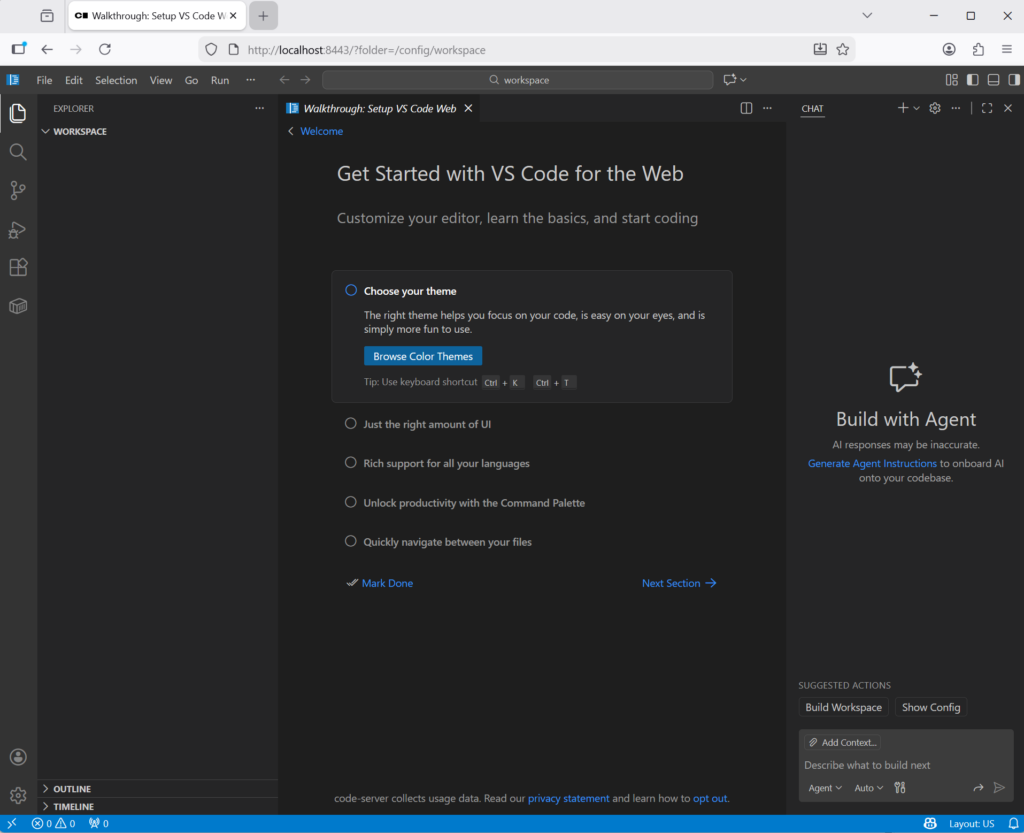
I recently migrated to code-server from using VSCODE binary installed on my system. One of the biggest reason is that due to my companies policies even after weekly updates, I am prompted to update vscode again and again during the week.
I run windows 11 at home with WSL and macOS for work and the following steps will work on both machines. It will allow you to also add the copilot extension and use copilot and in addition add some extra extensions that might require local binaries.
Steps to install
- create a directory for the work area
~$ mkdir code-server- create a
configdirectory for your files ( I personally like using directories vs docker volumes)
~/code-server $ mkdir config- use the docker-compose.yml listed below and start the container
docker compose up -d
services:
  code-server:
    image: lscr.io/linuxserver/code-server:latest
    container_name: code-server
    environment:
      - PUID=501
      - PGID=20
      - TZ=America/Chicago
      - EXTENSIONS_GALLERY={"serviceUrl":"https://marketplace.visualstudio.com/_apis/public/gallery","itemUrl":"https://marketplace.visualstudio.com/items"}
      - DOCKER_MODS=linuxserver/mods:code-server-shellcheck|linuxserver/mods:code-server-zsh|linuxserver/mods:code-server-terraform|linuxserver/mods:code-server-python3|linuxserver/mods:code-server-golang
    volumes:
      - ./config:/config
      - ~/Downloads:/mnt/downloads
    ports:
      - "127.0.0.1:8443:8443"
    restart: unless-stopped
Please update the following
- Update
PUIDandPGIDusing youruid&gid( you can use output fromid - Update
TZusing your local timezone - You can add other directories or remove directories into volumes so that you can access it from the container
- I’ve restricted the network to only bind to 127.0.0.1 since I do not want it exposed outside of my workstation.
Once all is complete you can browse to http://localhost:8443 and start installing extensions.
If you are interested in other DOCKER_MODS provided by linuxserver.io you can find those on https://github.com/linuxserver/docker-mods